Public Changelog
We now publish a weekly changelog so anyone — customers, prospects, and partners — can follow what's shipping without needing access to the GMC.
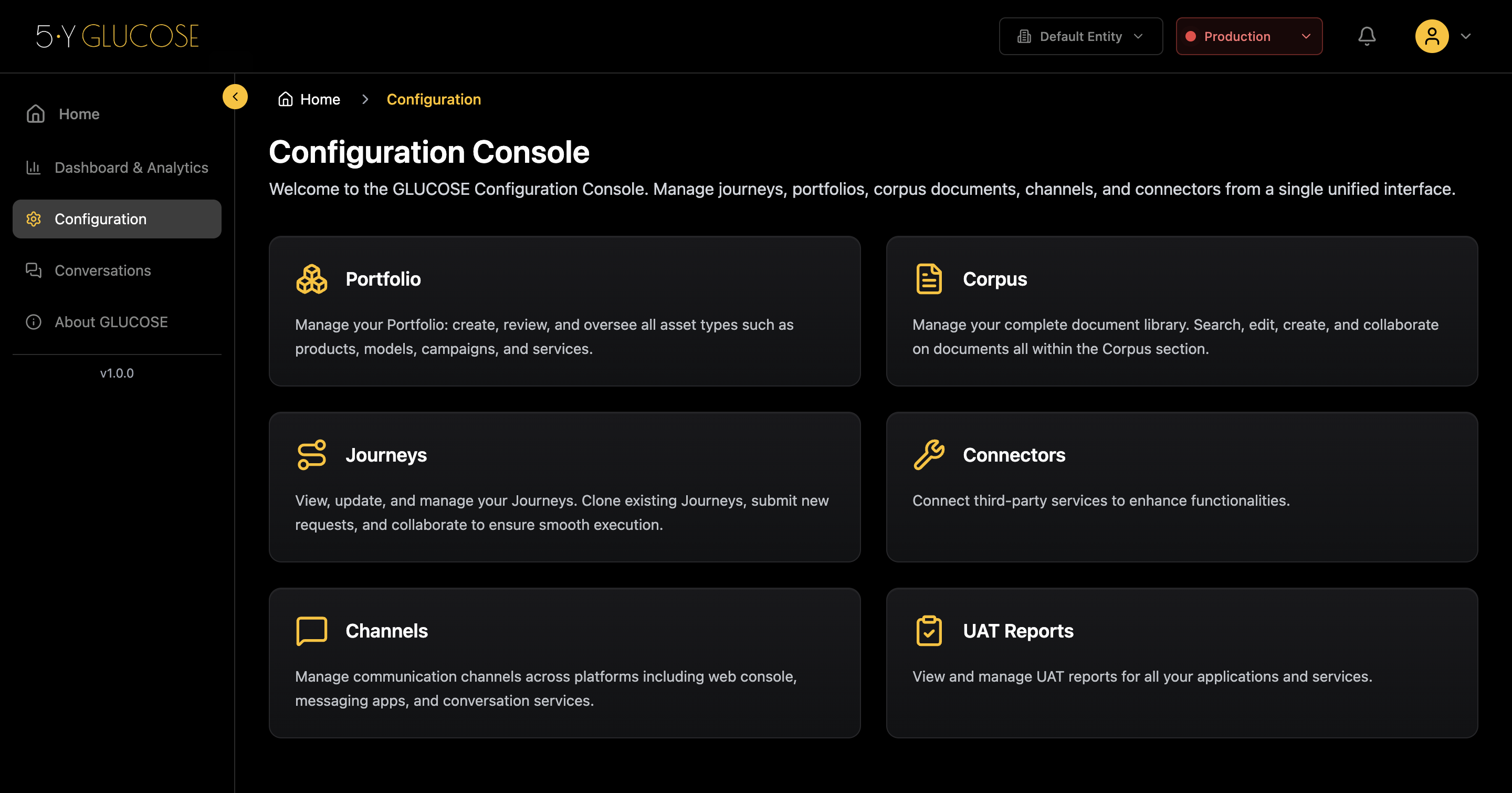
Starting today, everything we ship is public. No login, no NDA — just a plain list of what changed and why.
This is partly for customers who want to track progress, partly for prospects doing due diligence, and partly because it keeps us honest about shipping consistently.
Why we built this
We were getting the same question on almost every sales call: “How often do you release?” We had no good answer because the answer lived in Notion, in Slack threads, and in people’s heads.
Transparency about what you’re building is a form of trust. If you’re not willing to say what shipped last week, why should anyone believe what’s coming next?
A public changelog forces a discipline on the team. You have to ship something worth writing about every week. That’s the point.
What’s included in each entry
Every entry has at minimum a title, a one-line description, and bullet points. Richer entries — like this one — can include:
- Paragraphs for context and narrative
- Blockquotes for key statements or customer feedback
- Images and screenshots to show the UI change visually
- Videos recorded with Cap for walkthroughs
- Tables for structured comparisons or field references
- Code snippets for developer-facing changes
How entries are created
| Method | Best for | Effort |
|---|---|---|
/changelog Claude Code skill | Devs with rough notes | Low |
TinaCMS /admin | Non-technical writers | Low |
Manual .md file | Full control over formatting | Medium |
The /changelog skill is the fastest path. You paste your notes — a Slack message, bullet points, meeting notes — and it produces a formatted entry automatically.
How it works technically
Entries are markdown files in src/content/changelog/. No database, no CMS backend required to read them. The site is static — Cloudflare Pages builds everything at deploy time.
src/content/changelog/
  2026-06-24-public-changelog.md   ← this entry
  2026-06-17-industries-page.md
Adding an entry means adding a file. Removing one means deleting it. The homepage widget and floating badge update automatically on the next build.
File naming convention
Use YYYY-MM-DD-short-slug.md. The date prefix keeps entries sorted in the filesystem and makes it obvious what’s recent at a glance.
This is entry number one. More next week.